Sign in
The user enters the correct organization experience and completes its required verification.
MYID gives users one organization approved mobile route to review and manage supported verification methods. This reduces confusion, recovery delays, and repetitive MFA support tickets.
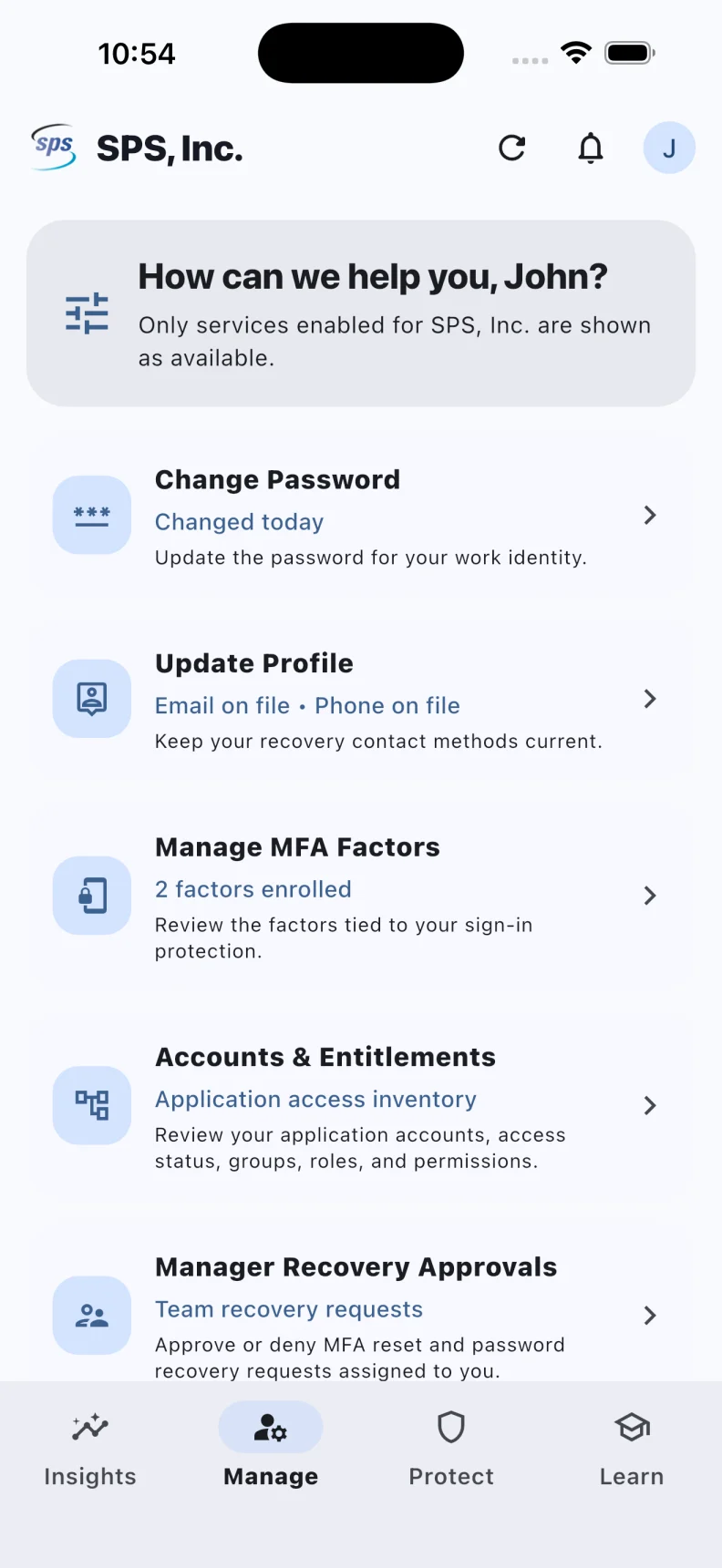
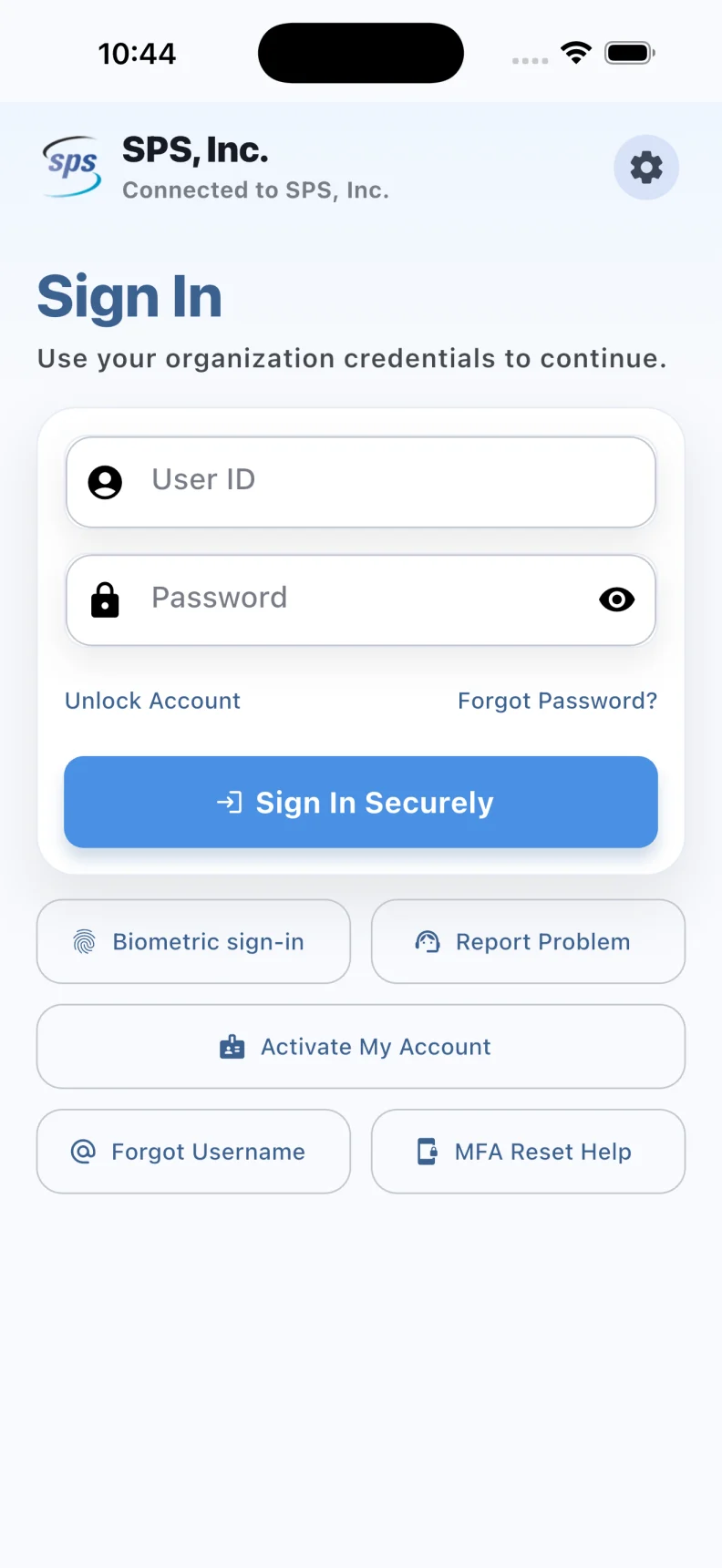
Organizations choose the methods and actions users can access. MYID turns those choices into a consistent, understandable journey.
The user enters the correct organization experience and completes its required verification.
MYID shows the supported verification methods associated with the identity.
The user starts an approved enrollment, replacement, disable, or removal journey.
The user receives a clear outcome and can return to work with stronger account protection.
Display factors returned by the provider, along with useful status and method information that can be shown safely.
Start supported enrollment in the app or through a secure provider page. Available methods vary by provider and policy.
Request a supported factor change and report the provider outcome without treating a profile phone or email as an enrolled factor.
Face ID, Touch ID, or another device biometric can protect local app return where configured. It does not automatically replace a provider factor.
Authorized managers can approve or deny assigned password and MFA recovery requests when that workflow is configured, without seeing password or one time code values.
Important actions can be preserved for the user, support team, and authorized reviewers.
IBM reports that the Askari Bank identity program reached complete multifactor coverage for sensitive actions and broad employee adoption. Those published results belong to that deployment and are not a promise for another company.
Bring your factor enrollment, device replacement, lockout, and recovery ticket volumes. We will help identify the strongest self service opportunity.
We will map your highest volume MFA requests, supported methods, recovery journeys, and desired user experience.
Request an MFA Workshop