Mobile
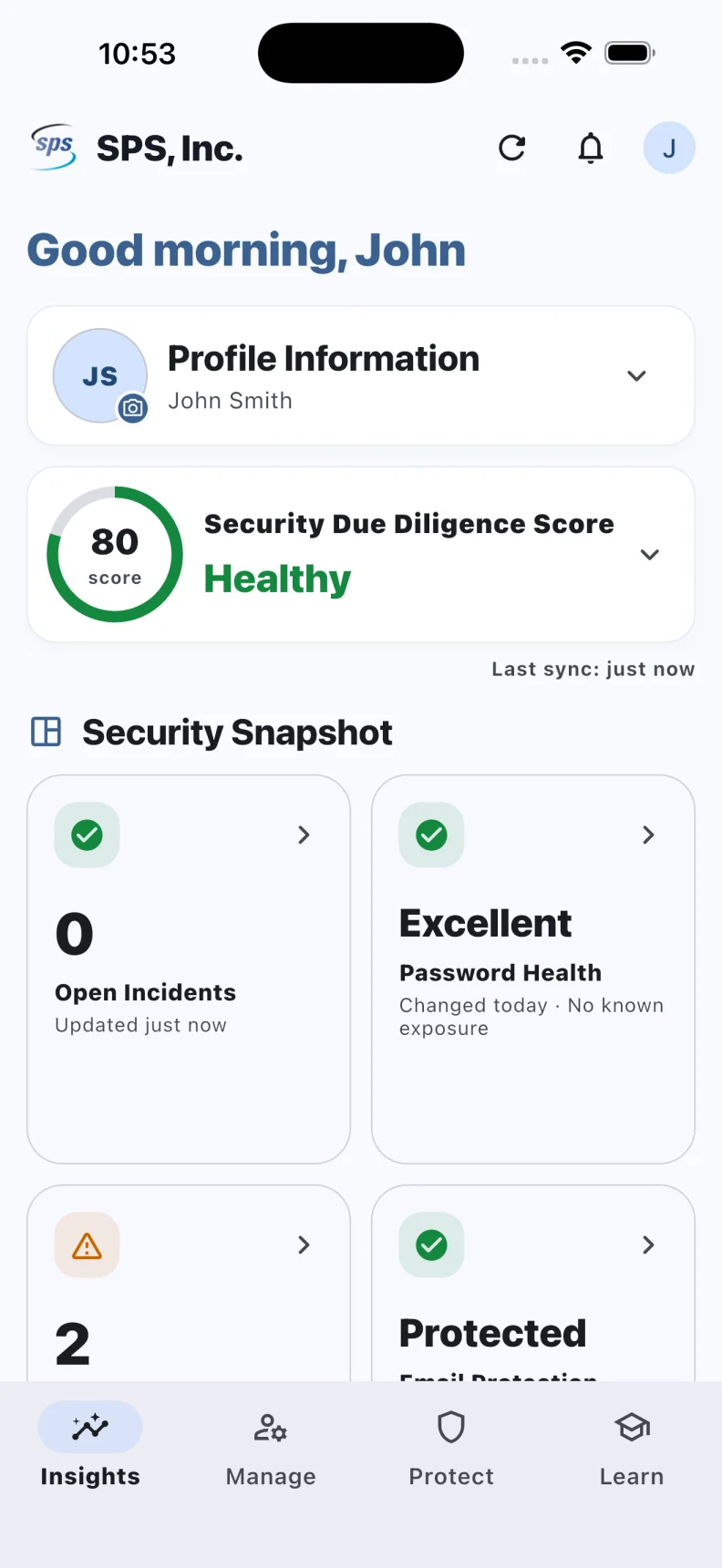
The everyday identity companion. Manage access, act on security alerts and find assigned awareness training in one app.
Explore MobileGive people a simpler way to get access, stay secure and keep moving. MYID connects everyday account services with security action and learning, wherever work happens.
Built to extend your existing identity, security and training investments.
Put routine account tasks in users’ hands.
Make the next step clear and accessible.
Bring the right context to the person involved.
Understand activity, outcomes and exceptions.
From a new employee’s first sign in to a security alert that needs attention, MYID brings people and identity operations closer together.
The everyday identity companion. Manage access, act on security alerts and find assigned awareness training in one app.
Explore MobileA focused browser experience for account activation, password recovery, username recovery and directory unlock.
Explore WebGuided conversation that helps users find the right recovery path, with verification built into the journey.
Explore ChatYour 24/7 AI helpdesk agent. Account recovery, onboarding, password reset and MFA reset through the workflows your organization enables.
Explore VoiceConnect source records to identity lifecycle operations. Review changes, control schedules and understand what happened.
Explore SynxConnect the operational picture across Mobile, Web, Chat, Voice and Synx. Move from a trend to the evidence behind it.
Explore DashboardGive every shift a familiar place to turn. MYID Voice puts an AI helpdesk agent a phone call away, with guided support and secure actions connected to your existing systems.
Start with proven account recovery. Extend the experience with company knowledge and connected helpdesk workflows, with clear updates and outcomes your team can investigate.
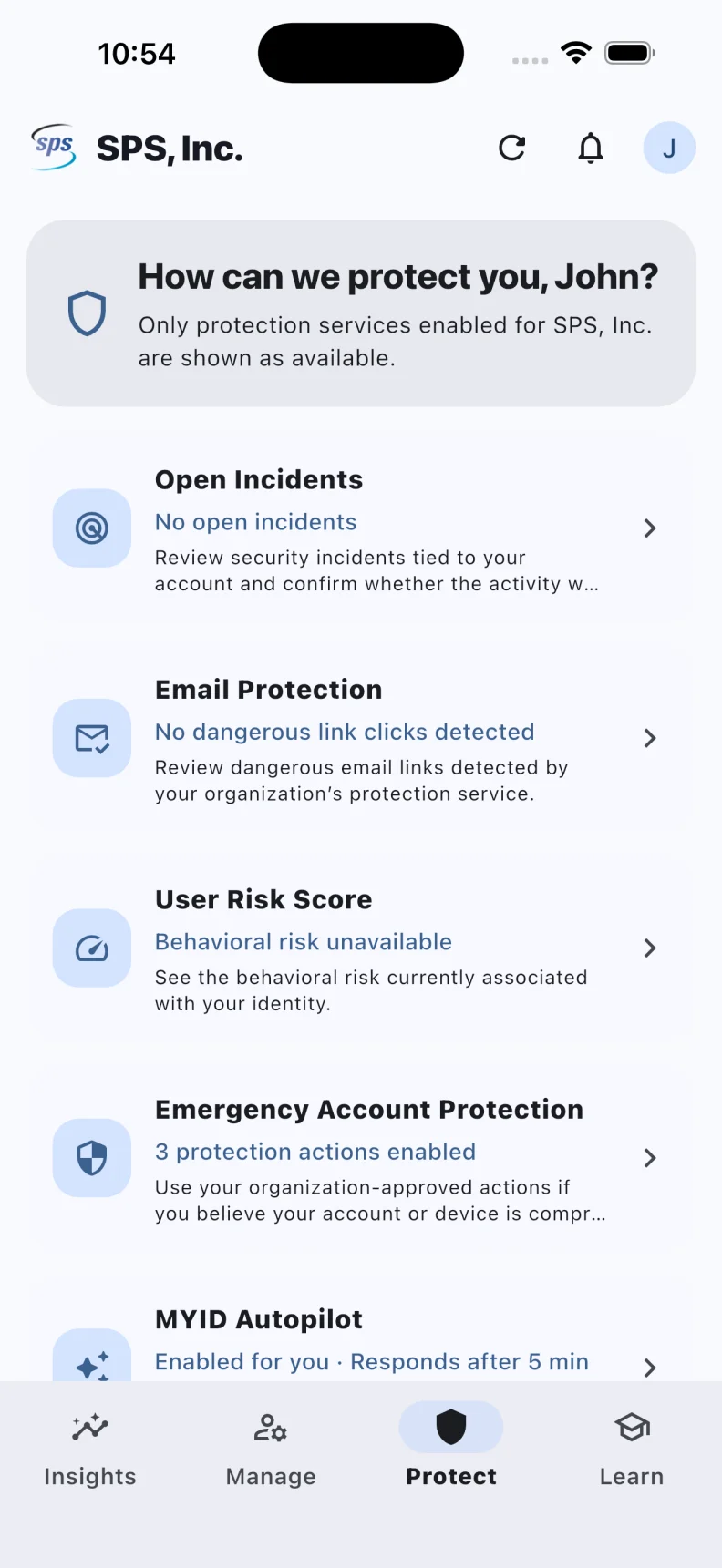
See how a call works ↗Protect brings supported security alerts to the affected user’s phone. Learn puts assigned awareness training beside the identity they use every day. IT gains a clearer view of the response.
Connect source data with lifecycle changes, then guide users through approved account activation.
Put password recovery, account unlocks, profile updates and supported MFA management within reach.
Deliver useful context, capture user decisions and apply the protection actions your organization enables.
Bring awareness learning and operational evidence together to identify what needs attention next.
Start with the systems you trust. We will establish supported connections, identify the user journeys worth improving and measure the result against your own baseline.
Explore published customer results ↗Bring your current tools, support challenges and security priorities. We will map where MYID can help and what a successful first deployment would look like.